Why Notifications Are Breaking Your Focus
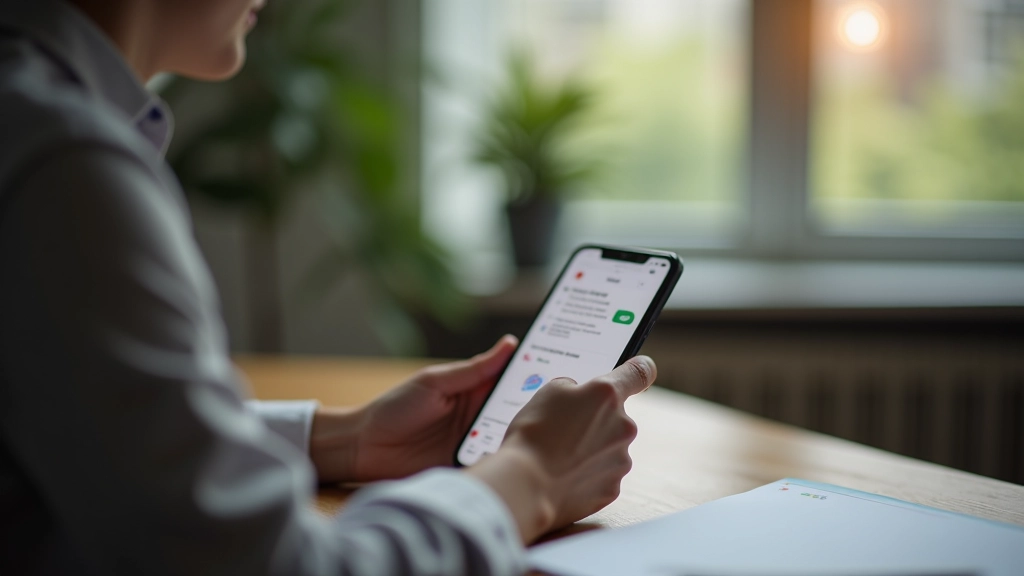
Your phone’s buzzing. Your laptop’s pinging. Your smartwatch is vibrating. It’s not just annoying — it’s systematically destroying your ability to concentrate. Studies show the average person gets interrupted by notifications every 8 minutes. That’s not a minor distraction. That’s a constant assault on your attention.
The problem isn’t that notifications exist. It’s that we’ve set them all to maximum urgency by default. App developers want engagement. Your phone manufacturer wants you checking constantly. So unless you take control, you’re drowning in alerts that don’t actually need your immediate attention.
The Real Cost of Constant Notifications
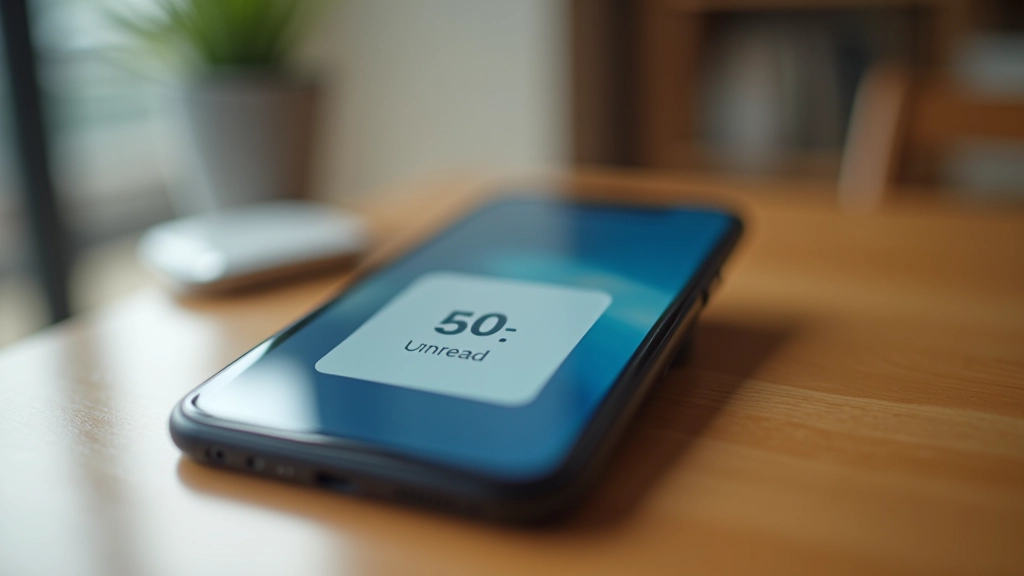
Context switching takes 15-25 minutes to recover from. Every notification is a context switch. If you’re getting 50+ notifications daily, you’re losing 12-20 hours of potential focus time each week. That’s not productivity loss. That’s your entire capacity for deep work being stolen in fragments.
Step 1: Audit Your Current Notifications
You can’t fix what you don’t measure. Spend 3 days just noticing. How many notifications do you actually get? Go to Settings on your phone and check notification history. Most people are shocked. They think they get 10-15 alerts daily but it’s actually 80+.
Write down three categories:
- Essential (messages from specific people, calendar reminders, alarms)
- Useful (emails from clients, work updates, news you actually care about)
- Noise (app promotions, social media likes, marketing emails, “trending” alerts)
Be honest about which apps fall into each bucket. You probably don’t need LinkedIn notifications. You probably don’t need Instagram reminders. You probably don’t need push notifications from news apps. The noise category is where most of your interruptions live.
Step 2: Restructure Your Apps for Actual Urgency
Here’s where you take action. For every app, ask: “Would missing this notification for 2 hours actually hurt?” If the answer is no, turn off notifications entirely. Don’t just silence them — disable them completely.
For apps in your “Essential” category, use these settings:
- Sound + vibration: Yes, but only for priority contacts
- Banner notifications: Yes (they disappear on their own)
- Badge numbers: No (they create visual urgency)
- Lock screen display: No (don’t interrupt you while focused)
Everything else? Turn it off. Email, social media, news apps, shopping apps — they can wait. You’ll check them when you choose to, not when they demand your attention.
Quick Win: Focus Mode / Do Not Disturb
Both iOS and Android have built-in focus modes that override all notification settings. Create a “Deep Work” focus mode that allows calls from 5 contacts only and silences everything else. Set it to activate automatically during your scheduled focus blocks. This is one of the most underused features on modern phones.
Step 3: The Apps That Deserve Your Attention
Some apps you should keep notifications for. Slack if you work remotely and need to respond to clients. Messenger if it’s how your family reaches you. Your calendar app for important meetings. Everything else? You can afford to check it manually.
For the apps you keep enabled, set notification hours. Don’t let them buzz after 6 PM or before 9 AM. This isn’t about missing something important — it’s about not being interrupted during your personal time or your morning routine. Urgent messages will still reach you. They just won’t shatter your focus during the hours when you’re trying to get deep work done.
Here’s what most people miss: you can have different notification settings for different times. Email notifications can be silent during work hours (you’ll check it every 60 minutes anyway) but alert you after 6 PM in case something urgent came through. This takes 5 minutes to set up and saves hours of distraction weekly.
The Results You’ll Actually Notice
After implementing these changes, most people report the same thing: their phone feels quiet. Not boring. Quiet. And that quiet is where focus lives. You’ll get through focused work blocks without that constant pull to check your notifications. Your morning won’t start with 47 unread messages demanding your attention.
This isn’t about disconnecting. It’s about choosing when you connect. You’re not missing anything important. You’re just not being interrupted by things that can wait 60 minutes. That’s the actual goal — not eliminating notifications, but putting them on your schedule instead of letting them hijack yours.
Educational Note
This article is informational and educational in nature. The techniques and recommendations described are general guidance based on digital wellness research and common practices. Results vary by individual circumstances, profession, and device type. For professional advice specific to your work situation or technical setup, consult with your IT department or a digital wellness specialist. Some features mentioned may vary depending on your device’s operating system version.